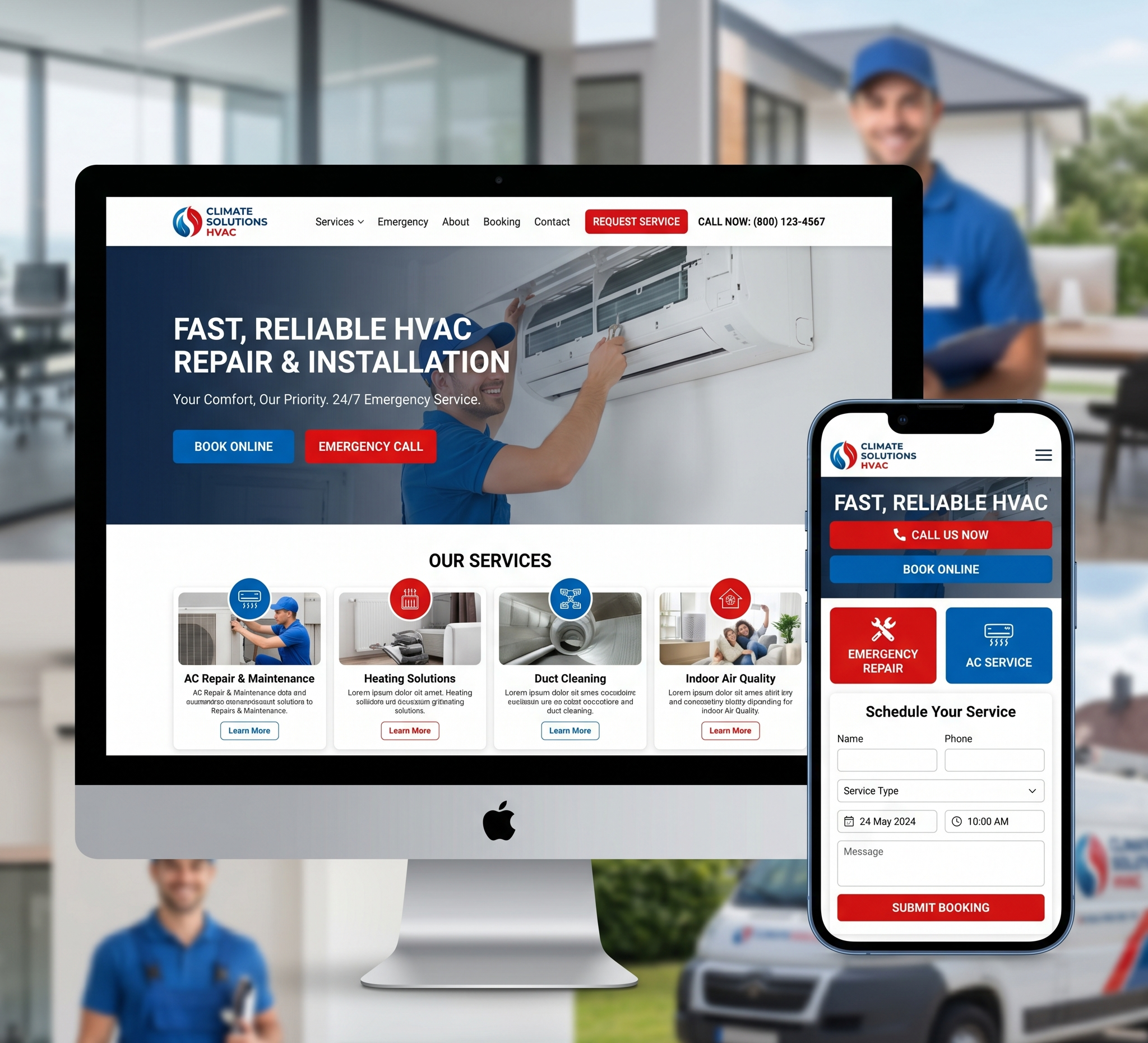

Volunteer Organization Website Design – Creating a website for a volunteer organization presents a unique set of challenges and opportunities. The design needs to be engaging, informative, and user-friendly, with a focus on motivating visitors to become involved. A well-designed website can serve as a powerful tool for recruiting volunteers, raising awareness, and garnering donations. In this article, we will explore over 5000 words of creative ideas and best practices for designing an effective volunteer organization website.
A. Creative Volunteer Organization Website Design Ideas
Understanding the Audience
Before diving into design specifics, it’s crucial to understand the target audience. Typically, the audience for a volunteer organization website includes:
- Potential Volunteers: Individuals looking for opportunities to give their time and skills.
- Donors: People interested in financially supporting the cause.
- Beneficiaries: Those who might benefit from the organization’s services.
- Partners and Sponsors: Organizations and businesses interested in collaboration or sponsorship.
- General Public: Visitors seeking information about the organization’s mission and impact.
Understanding the needs and motivations of these groups will guide the design process, ensuring the website meets their expectations and encourages engagement.
B. Key Elements of an Effective Volunteer Organization Website
1. Clear and Compelling Mission Statement
The mission statement should be prominently displayed on the homepage. This succinctly communicates the purpose and goals of the organization. It should be inspiring and clearly outline what the organization stands for.
Design Tips:
- Use bold, large fonts to make the mission statement stand out.
- Consider a background image or video that visually represents the mission.
- Place it above the fold so visitors see it immediately upon landing on the page.
2. User-Friendly Navigation
An intuitive navigation system is essential. Visitors should be able to find information quickly without frustration.
Design Tips:
- Use a simple, clean menu structure.
- Include dropdown menus for detailed sub-sections.
- Ensure the navigation bar is sticky, so it remains visible as users scroll.
3. Engaging Visuals
High-quality images and videos can convey the impact of the organization’s work more powerfully than words alone.
Design Tips:
- Use a mix of photos and videos showing volunteers in action and the beneficiaries.
- Create an image gallery or slideshow on the homepage.
- Ensure visuals are high-resolution and optimized for fast loading.
4. Compelling Calls to Action (CTAs)
Effective CTAs encourage visitors to take specific actions, such as signing up to volunteer, donating, or subscribing to a newsletter.
Design Tips:
- Use action-oriented language like “Join Us,” “Donate Now,” or “Get Involved.”
- Place CTAs in prominent locations, such as the homepage, end of blog posts, and sidebars.
- Use contrasting colors to make CTAs stand out.
5. Volunteer and Donation Portals
Dedicated sections for volunteer sign-ups and donations are crucial.
Design Tips:
- Create a simple, step-by-step sign-up process for volunteers.
- Include a secure, easy-to-use donation form.
- Provide multiple payment options for donations.
6. Impact Stories and Testimonials
Sharing stories of impact and testimonials from volunteers and beneficiaries can build trust and emotional connection.
Design Tips:
- Dedicate a section to success stories and testimonials.
- Use a combination of text, photos, and videos.
- Update this section regularly to keep content fresh and relevant
7. Event Calendar
An event calendar keeps visitors informed about upcoming activities, meetings, and opportunities to get involved.
Design Tips:
- Integrate a dynamic calendar that is easy to update.
- Allow visitors to filter events by type, date, or location.
- Include options for visitors to add events to their personal calendars.
8. Blog and News Section
A blog or news section helps keep the website dynamic and engages visitors with regular updates.
Design Tips:
- Publish articles about recent events, volunteer opportunities, and success stories.
- Include a commenting system to encourage interaction.
- Use tags and categories to organize content for easy navigation.
9. Social Media Integration
Integrating social media allows visitors to follow the organization’s activities and share content with their networks.
Design Tips:
- Include social media icons linking to your profiles.
- Embed social media feeds directly on the website.
- Use share buttons on blog posts and news articles.
10. Contact Information
Make it easy for visitors to get in touch with the organization.
Design Tips:
- Include a contact form, email address, phone number, and physical address.
- Ensure the contact information is easily accessible from the homepage.
- Use a map to show the location of your office or event venues.
C. Detailed Design Concepts and Best Practices
Homepage Design
The homepage is the first impression visitors get, so it must be impactful and well-organized.
Key Elements:
- Hero Section: This is the top section of the homepage and should include a captivating image or video, the mission statement, and a prominent CTA.
- Introduction: Briefly introduce the organization and its key initiatives.
- Impact Highlights: Use statistics and short descriptions to highlight the organization’s achievements.
- Volunteer and Donation CTAs: Encourage visitors to take immediate action.
- Latest News and Events: Showcase recent activities and upcoming events.
- Testimonials: Include a few rotating testimonials from volunteers and beneficiaries.
- Social Proof: Display logos of partner organizations, sponsors, and media features.
Volunteer Sign-Up Page
The volunteer sign-up page should be easy to navigate and complete.
Key Elements:
- Introduction: Explain the importance of volunteers and how they can contribute.
- Opportunities: List available volunteer roles with brief descriptions.
- Sign-Up Form: Create a simple form requesting essential information.
- FAQ: Answer common questions about volunteering.
- Success Stories: Share stories from current or past volunteers.
Donation Page
A dedicated donation page is essential for fundraising.
Key Elements:
- Impact Explanation: Explain how donations are used and the impact they have.
- Donation Options: Offer multiple donation amounts and the option for custom amounts.
- Recurring Donations: Encourage visitors to set up recurring donations.
- Secure Payment: Ensure the payment process is secure and straightforward.
- Thank You Message: Display a thank you message after the donation is made and send a follow-up email.
Event Page
An event page should keep visitors informed and engaged.
Key Elements:
- Event List: Display upcoming events with dates, locations, and brief descriptions.
- Event Details: Provide detailed information for each event, including how to participate.
- Registration: Include an easy-to-use registration form.
- Photos and Videos: Share media from past events to build excitement.
- Calendar Integration: Allow visitors to add events to their personal calendars.
Blog and News Page
A blog or news section helps keep the website dynamic and visitors informed.
Key Elements:
- Categories: Organize posts into categories for easy navigation.
- Search Function: Include a search bar to help visitors find specific content.
- Comments: Enable comments to encourage interaction.
- Social Sharing: Add buttons for sharing posts on social media.
- Regular Updates: Keep the content fresh with regular updates.
About Us Page
The About Us page should convey the organization’s history, mission, and team.
Key Elements:
- History: Share the organization’s background and key milestones.
- Mission and Vision: Clearly articulate the mission and vision.
- Team: Introduce the team with photos and bios.
- Partners and Sponsors: Highlight key partnerships and sponsors.
- Contact Information: Include contact details and a CTA to get involved.
Responsive Design
Ensuring the website is fully responsive is crucial, as many users will access it from mobile devices.
Design Tips:
- Use a mobile-first design approach.
- Test the website on various devices and screen sizes.
- Simplify navigation for mobile users.
- Ensure touch elements are appropriately sized and spaced.
Accessibility
Making the website accessible to all users, including those with disabilities, is both an ethical and legal necessity.
Design Tips:
- Use alt text for all images.
- Ensure text is readable with high contrast.
- Use accessible navigation practices.
- Include captions for videos.
- Test the website with accessibility tools.
SEO Best Practices
Search engine optimization (SEO) ensures the website is easily found by those searching for related topics.
Key Practices:
- Keyword Research: Identify and use relevant keywords in content and meta tags.
- Quality Content: Regularly publish high-quality, relevant content.
- Meta Tags: Optimize title tags, meta descriptions, and header tags.
- Internal Linking: Use internal links to guide visitors and search engines through your content.
- Backlinks: Encourage reputable sites to link to your content.
- Mobile Optimization: Ensure the site is mobile-friendly, as search engines prioritize mobile-optimized sites.
- Page Speed: Optimize images and code to ensure fast loading times.
- Schema Markup: Use schema markup to help search engines understand your content.
Conclusion: Volunteer Organization Website Design
Designing a website for a volunteer organization requires a thoughtful approach that balances aesthetics, functionality, and user experience. By focusing on clear communication, engaging visuals, user-friendly navigation, and compelling CTAs, you can create a website that not only attracts visitors but also motivates them to get involved. Additionally, integrating SEO best practices and ensuring accessibility will enhance the website’s reach and usability, making it a valuable tool for your organization’s growth and success.